OpenZhenZhen AI 提示词画廊 · Claude Opus 5.5 · video
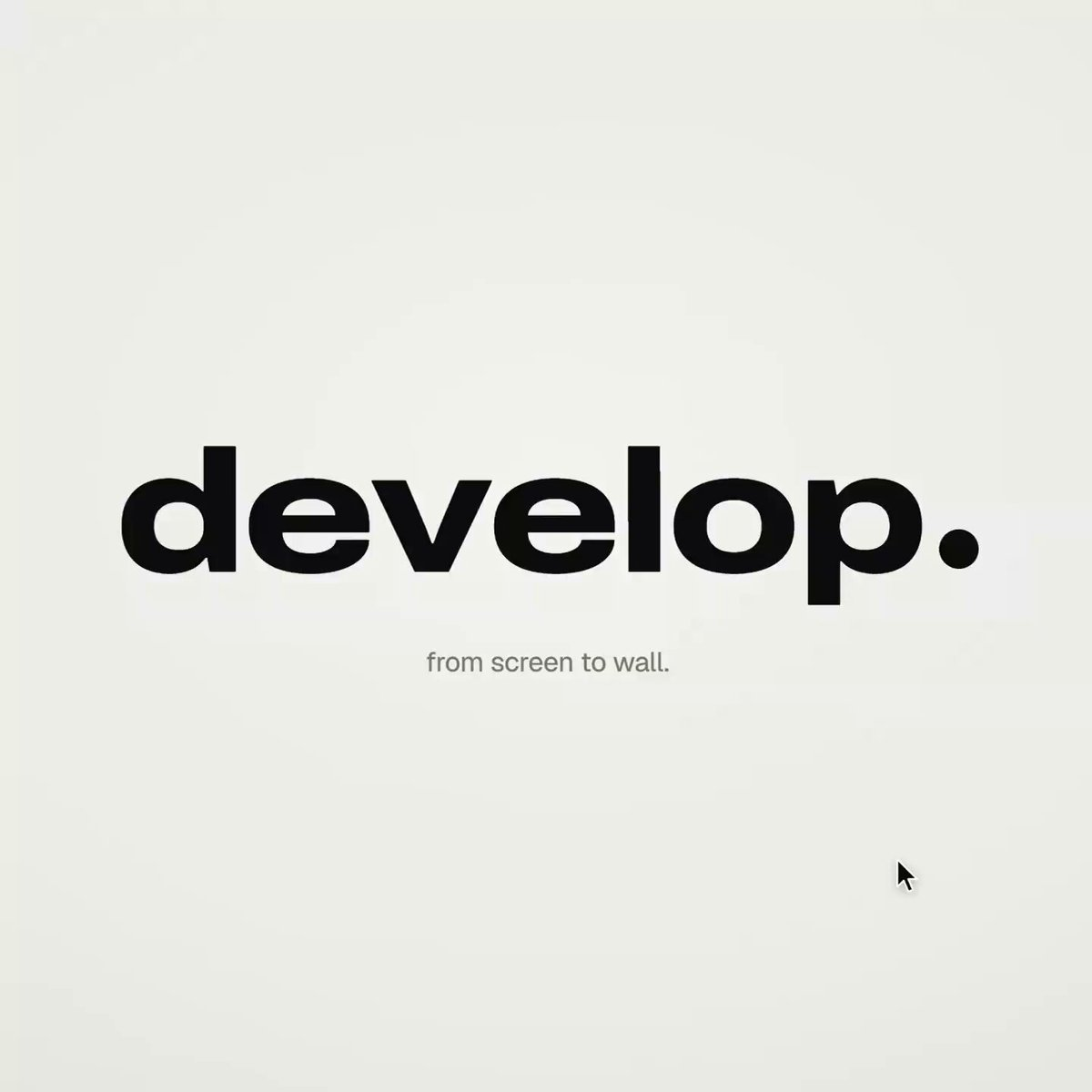
Apple-keynote style launch film
Creator used Opus 5.5 with a detailed structured code prompt to generate an Apple-keynote-style launch video entirely with HTML/CSS/JS and no external tools.
提示词 / Prompt
English prompt
<inputs> Ask me for: a one-word brand name for the wordmark (a verb works best), 9 to 12 high-res photos, a royalty-free track around 120 BPM with a drop and a quiet breakdown (Mixkit, free for commercial use), and a free stock clip of a plain wall with moving plant shadows (Pexels). </inputs> <direction> An Apple-keynote-style launch film, 2D only, in one continuous take. Each scene grows out of the last: no fades, blurs or cuts. Objects transform instead. Text rises from a mask line, icons spring up from zero, bars draw across the screen, pages push forward, and a black shape fills the frame before shrinking into the next scene. Use a warm off-white canvas, black UI and iOS 26 liquid glass over the photos. Archivo (wdth 125, weight 800) for the wordmark, Geist for the UI. A cursor triggers every change with actual clicks, drags and long-presses. Zoom the camera screen-studio style so each moment fills the square, and scale the cursor with it. Banned: crossfades, blur-ins, brightness "developing", 3D flips, particles, glows, holds longer than 1s, anything that feels like a template. </direction> <structure> 120 BPM, 54 beats, with something happening on every beat. Open: the wordmark compresses into its own period like an accordion. The dot expands into a black pill, and a label rises inside it. Click: six iris blades close over the label, then snap open onto a photo. The circle turns into a square and shrinks. A grid unfolds behind it like a paper map (center, plus, corners), rearranges into a bento, and a click zooms into one tile, landing right on the drop. Glass: a glass word appears letter by letter, then melts into a droplet that stretches into a glass toolbar. The adjust icon turns it into a slider. Dragging changes the photo lighting from day to golden hour (two aligned shots), while the held knob becomes a glass lens. It rises into a glass orb, the next photo opens inside it as a circle, and the orb grows into a lock screen with glass clock digits, a date and a home bar that stretches into a glass music player. Stage: the lock screen pulls back to reveal a phone, with the bezel growing from the screen edge. The Dynamic Island stretches like liquid, pinches off, flies across and expands into a Mac window that rolls up like a blind. Long-press the wallpaper and drag it onto a Safari tab. The page pushes in; when you drop the image, it becomes the hero of a landing page. Scroll: the hero transforms into a framed print on a product card, with the mat and molding growing from the photo's edge. Choose a frame color (it paints across) and a size, then the nav button flies down and becomes "Order print". Order: one black shape keeps changing: Ordered ✓ → Printing % → On its way (a van on a route) → Delivered ✓. Wall: the delivered circle expands until black fills the frame, holds for one beat, then shrinks into the framed print hanging in the real wall footage. The same iris opens onto the print and closes again. The frame fills the screen, contracts into the pill → the dot → the letters spring back out on the returning beat. Last frame = first frame. </structure> <build> 1. One HTML file, square 1440x1440. Compute every style from time inside an async seek(t): no CSS transitions, timers or state carried between frames. 2. Use closed-form step responses for springs. When a value has multiple targets, add one spring per change so it remains a pure function of time. 3. Liquid glass: each glass element keeps its own clone of the scene behind it. Filter that clone with an SVG feImage displacement map (a rounded-rect distance field) through three feDisplacementMaps at slightly different scales for chromatic edges, then add a rim light. For glass letters, use a canvas distance field per glyph to create the map, mask and highlights. 4. Goo: apply blur and an alpha threshold, then composite the source on top so the glass stays sharp inside. 5. Iris: place 6 blades around a hexagonal aperture. Each blade uses its two vertices, both edge extensions and the SHORT arc between them. 6. Wordmark squeeze: move every letter toward the dot by the same factor and adjust its drawn width to match (narrow the wdth axis, scale the rest), keeping the letters in contact. 7. Footage: re-encode it all-intra (ffmpeg -g 1), load it as a blob URL and await "seeked" before drawing each frame. 8. Sound: use a downloaded SFX for every event (Mixkit), never synthesized, and position each by its measured peak. Start the song on a downbeat: land the zoom on the drop, place the wall in the breakdown and bring back the wordmark with the beat. Loudnorm to -14 LUFS. 9. Render with Playwright: blend 4 subframes per frame using ffmpeg tmix at 60fps. Check one frame per beat, then look for single-frame pops (frame-difference spikes 3x higher than their neighbours). </build> <gotchas> backdrop-filter: url() misreads displacement maps in Chromium, so clone the scene instead. A flood needs to extend beyond the corners and take about 0.3s; otherwise, half the screen changes in a single frame. A child set to visibility: visible can show through a hidden parent, so use inherit. Text swapping inside a morphing shape needs its own mask. python http.server can't range-seek video, so use the blob URL. </gotchas> <start> Ask me for the inputs, then show me the beat map and 4 stills (open, glass, stage, wall) before writing the full film. </start>
主题与风格
探索更多图片和视频提示词 · 生成图片 · 生成视频 · 在 AI 画布中创作
相关作品
- 哈士奇111
subject_definitions: <Subject 1> 是本片唯一的宠物主角 — FACE from <Picture 1>(哈士奇雪橇犬,冰蓝色眼睛,黑色鼻头,黑白双色、头顶黑色面罩纹、灰黑鞍部、白脸白胸白四肢,蓬松双层毛、体态骨架匀称结实,气质活泼)。只参考 <Picture 1> 的外观(五官、毛色、花纹、体型),不使用 <Picture 1> 的背景、场景与构图;视频全程保持与 <Picture 1> 外观完全一致。 summary: [reference generation] 0-5s 静谧微距张力;5-9s 爪部微距切全景;9-15s 摇臂升空+逆光剪影谢幕。主角全程
- 哈士奇
subject_definitions: <Subject 1> 是本片唯一的宠物主角 — FACE from <Picture 1>(哈士奇雪橇犬,冰蓝色眼睛,黑色鼻头,黑白双色、头顶黑色面罩纹、灰黑鞍部、白脸白胸白四肢,蓬松双层毛、体态骨架匀称结实,气质活泼)。只参考 <Picture 1> 的外观(五官、毛色、花纹、体型),不使用 <Picture 1> 的背景、场景与构图;视频全程保持与 <Picture 1> 外观完全一致。 summary: [reference generation] 0-4s 鼻头超微距视觉钩子;4-9s 变速极速拉出+3D环绕;9-15s 0.4x呼吸感定格
- 西格玛男人修仙
用了吃猪侠那个跑30秒的工作流 所以可以跑20秒视频
- 女孩真人感测试
**【参考图像锚定】** 图像 1 是 [年轻女性],保留参考图中的面部特征、精致妆容、浅金色长直发与空气刘海、简约白色上衣、脖颈细金链与小巧金坠吊坠,及整体外貌。人物仅锚人物本身,场景按下文文字重建,不得沿用图内任何构图或背景细节。 **【分镜】** **人物初始站位与空间关系**:夜晚路灯下,她站在街边一盏路灯正下方偏前的位置,手持手机以真实前置摄像头自拍视角拍摄,画面从胸以上的中近景开始,镜头随她的手持动作运动。头顶路灯洒下柔和的暖白光池,从上方偏正前照亮她的脸 —— 额头、鼻梁、颧骨受光,鼻下与眼窝投下朝下的柔影;浅金发顶和颊边碎发被灯光勾出一圈暖色轮廓光,发丝末梢泛一点暖亮的金;
- H3单采,7秒打斗测试
integrated_multimodal_description: (本段为极度硬核的高速CG兵器交锋。禁用2D动漫渲染。画面中只有加雷斯和洛恩两人。加雷斯在连续攻击中开口嘲讽,洛恩全程嘴唇紧闭死扛。) [Shot1] 0-2.5s, Unreal Engine 5 render, hyper-realistic, fast-paced sword fight, dynamic camera tracking. A muscular man in heavy red-black iron armor (Gareth) swings a massive greatsword downward
- H3爆裂冲击帧之【闪电箭】
输入邀请码:rh-v1631 领1000RH币,每天登录还有100币 H3满血无损!正面对标SD2.0 全网最干净方便的空间折叠工作流,去除繁复连线、虚空桥接+空间折叠; B站主页:https://space.bilibili.com/111985620/lists?sid=7895659&spm_id_from=333.788.0.0 youtube主页:https://www.youtube.com/@%E5%90%83%E7%8C%AA%E4%BE%A0233